
How Screens and Printers Reduce Noise
Before using noise reduction software, you have to evaluate if the noise in the photo will actually show up when you display your photo on screen or in a print. Noise reduction is not an assumed default for me. It is only done with careful evaluation and looking at the benefits versus tradeoff. That’s because screens and printers have the effect of reducing noise through the way they display the image.
I don’t expect photos to be free from noise. I am willing to tolerate a certain amount of it, which is why I have rarely used noise reduction software in the past. Noise can actually be helpful in some circumstances. And just because you can see noise in your file, doesn’t mean it will show in your print.
Printing on an inkjet printer helps hide noise to a certain extent. That is because each pixel in our file gets turned into hundreds, even thousands of tiny dots of ink on the paper. If you look at a print under a microscope, it looks like an Impressionist painting by Seurat.
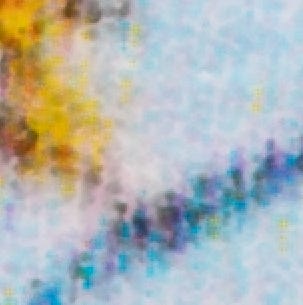
Every pixel is made up of tiny drops of cyan, magenta, yellow, light cyan, light magenta, green, blue, photo black, light black, light light black, and maybe matte black. You are relying on the same pointillistic effect discovered by Seurat to make your photographic prints.
A 2880 pixels-per-inch printer can produce 8,294,400 dots-per-square-inch. If you divide that by the 90,000 pixels-per-square-inch in a 300 pixel-per-inch (ppi) file, that means each pixel in your image can be made up of roughly 92 drops of ink per color, for potentially hundreds, even thousands of drops of ink per pixel.
I have observed that this creates a noise reduction effect. The process of turning pixels into all these tiny drops of ink cancels out a certain amount of noise between adjacent pixels. And there is often noise I can clearly see on screen that “drops out” in print.
So, the printer is part of my noise reduction strategy. If the noise in a print doesn’t bother me, then the noise in the file doesn’t bother me, either. Why waste time on things that don’t create an issue in the print?
Size also comes into play. When a high-resolution file is printed at a smaller size, a similar averaging happens that hides some noise. But as prints get larger, that noise can become more apparent. The pixels-per-inch of the output file also can affect it. A 200 ppi file will show more of this noise than a 300 ppi file, in my experience.
When I’m concerned that the noise I see in a file will be objectionable, I make a test print to evaluate it and see if my suspicions are justified.
To make a test print, I chop out a 8x10 inch section of the full-sized file, and print that section at 8x10. I call this a “section test.” A section test tests a section of the photo at the actual resolution, and will look the same as that part of the print will, when the full-size print is made.
Printing a small 8x10 section test is an economical way to see what will happen in the larger print, and it gives me confidence I’ll like the results. They help me test things I am uncertain of, when viewed on screen, and they are a valuable tool.
If you don’t print, displaying a photo on screen can have some similar noise reduction effects.
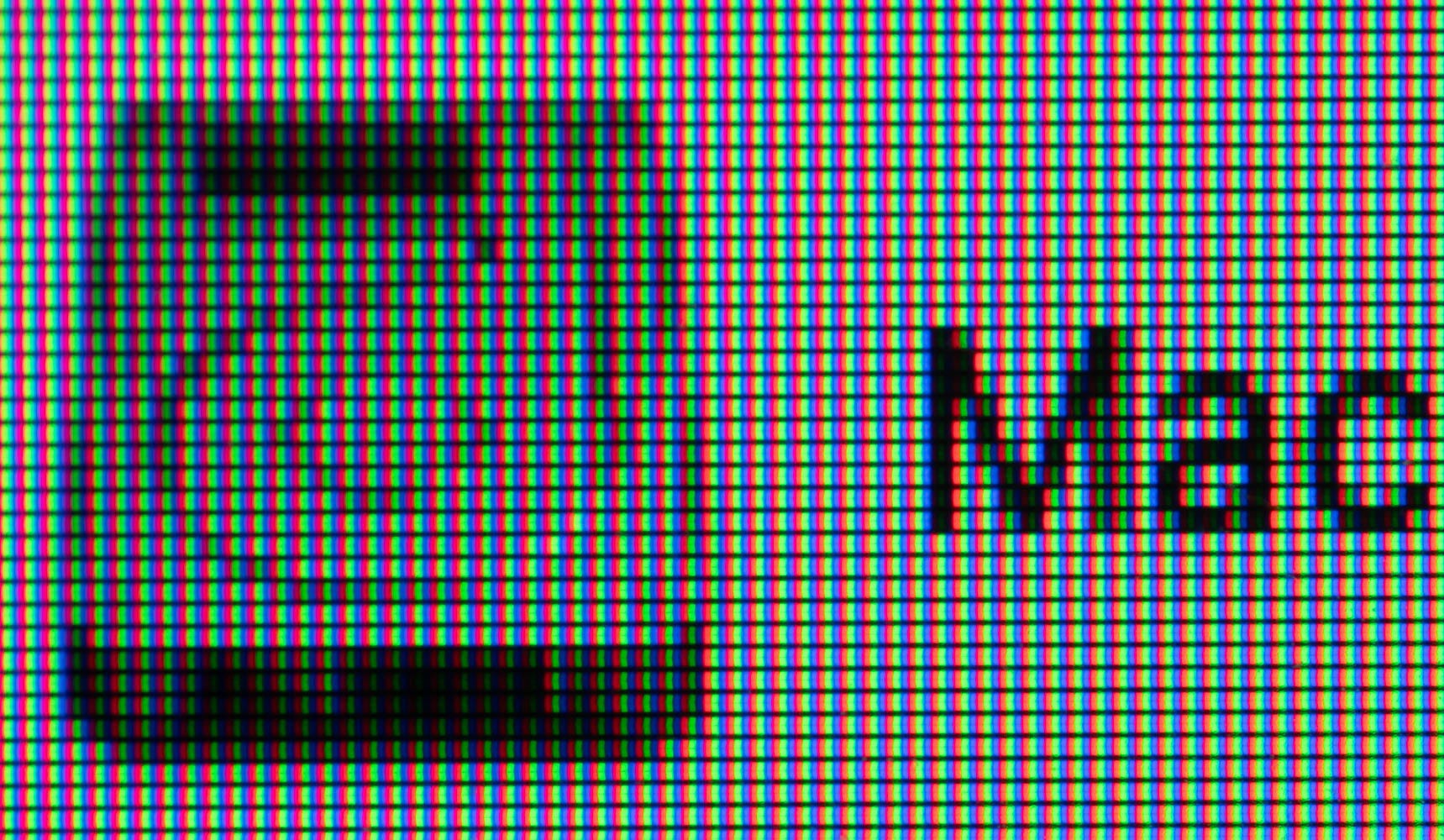
On high-resolution displays like a phone, tablet, or 4k display, photos are displayed at about 200 to 300 pixels per inch. Each pixel in a display is made up of separate red, green, and blue pixels. That makes noise “disappear” when displayed full screen, and sometimes even when zoomed in. On a 200 ppi display, you’ll have to zoom in to 200% or more to see individual pixels in your image.
For screen display, you really have to ask yourself if noise reduction is even necessary. The goal is a clear rendering of the subject, not “no noise, no matter what.” And using de-noise software often destroys real image detail and creates non-photographic effects—a far more degrading effect, in many cases.
So, printing and even display on screen reduces noise. This “built-in” noise reduction serves as my base layer, and measuring what actually happens at output becomes my criteria for judging if, and how much, additional noise reduction I might need. Measuring is the key part.
Noise is part of photography. Your job is to determine how much there is, if you find it objectionable, and how to minimize it without creating other problems for your photo.
Disclaimer: I’m not a digital guy, but am interested and enjoy your posts! I see a fun coexistence here …
I enjoy silver printing, and was wondering … would you say that noise is to digital what grain is to silver printing? If that is such, there may be two schools of thought: the f64 group who tries to eliminate grain (via large format, etc) and those (street photogs, me, etc.) who actually enjoy grain. Pursuit of sharp grain, to me, equates to a good print. Note: I’m not a great printer, so key word here is “pursuit”. But, I do admire, actually pursue grain: Tri-X, but 400, not 3200 :).
Anyways, you set me to thinking, appreciate that … and your posts! You have a wealth of information to share -