
Noise Reduction through Downsampling
Sometimes the best solutions are free and simple.
Every time you downsize or down-res a photo, you are reducing noise. When you export your 6000-pixel-wide camera original as a 2000-pixel-wide image for social media, it reduces noise as a side effect of the downsampling process.
I was reminded of this when I looked at my photos from the recent aurora outbreak. With my camera set to 6400 ISO, there is quite a bit of grain in my photos, as you can see here:
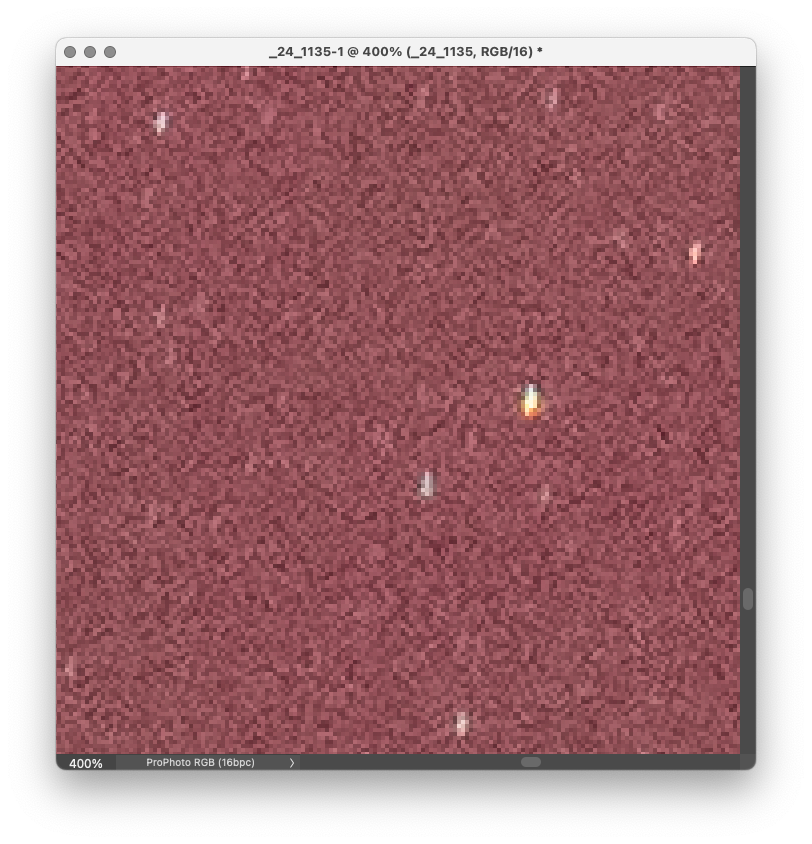
I wanted to remove this noise before I shared the photos on social media, but the question was how?
I knew that downsampling would remove noise, so I tested that first to see if it would be enough.
Here is a section of the same photo downsampled from 7952-pixels-wide to 2000-pixels-wide.
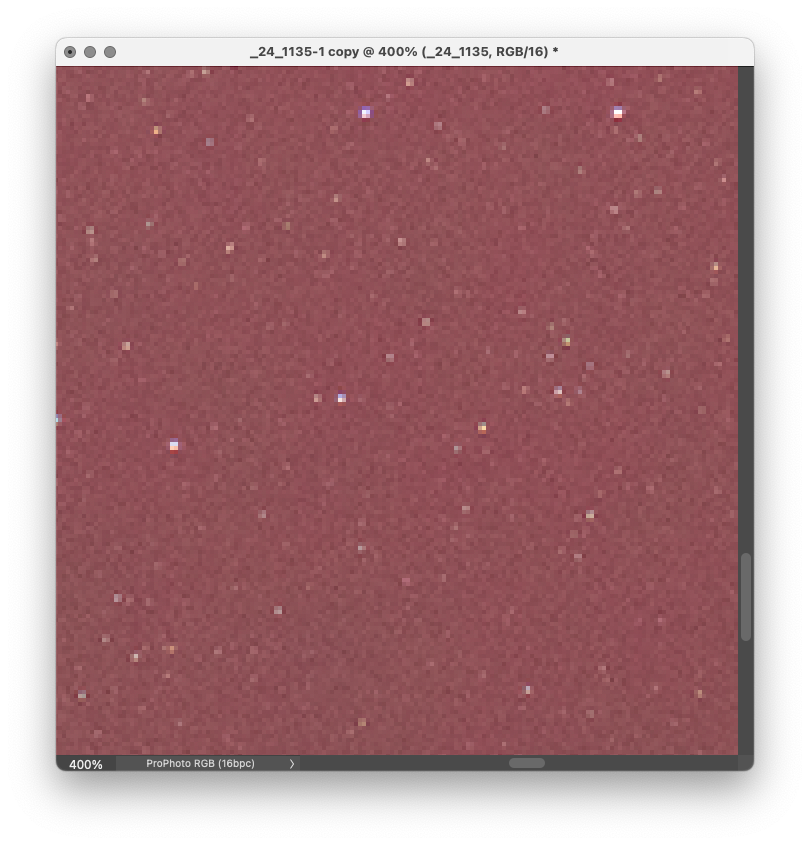
Most of the noise has disappeared. This is because of the way downsampling works. When you downsample, you are telling your software you don’t need all the pixels in the original, so get rid of some of them.
If you have a grid of four pixels, all of different colors and luminosities, and tell the computer you really only need one pixel, the software will average all four of those pixels into one pixel.
This is a really simple explanation, so read the wikipedia article if you want to get into the fine details.
With my aurora photo, it looks like this:


What this means for you is that you can get some very effective noise reduction without having to use time-consuming noise reduction software when you are making files to share on the web and social media.
One of the challenges with photography is knowing what tool to use, when to use it, and how—and to do that, you have to understand how the tool works.
Noise reduction by downsampling gives you a tool that is quick, easy, and free. You’ve been using it all along, you just didn’t know it.
If you’d like to try it yourself on the same aurora photo I used in this demo, you can download it for free by registering for my Demo Files Class on Thinkific. This will let you see exactly what I am seeing on my screen and replicate the results, and this is a good file to test your other noise reduction techniques on to see how they compare to one another. All I ask is that you respect my copyright and not sell or distribute any of the demo photos I make available.